
Server Room Cooling with MrCool
Server rooms generate massive heat loads 24/7. Learn how to size and install a MrCool mini split for reliable server room cooling at a fraction of traditional costs.
Admin User
Author
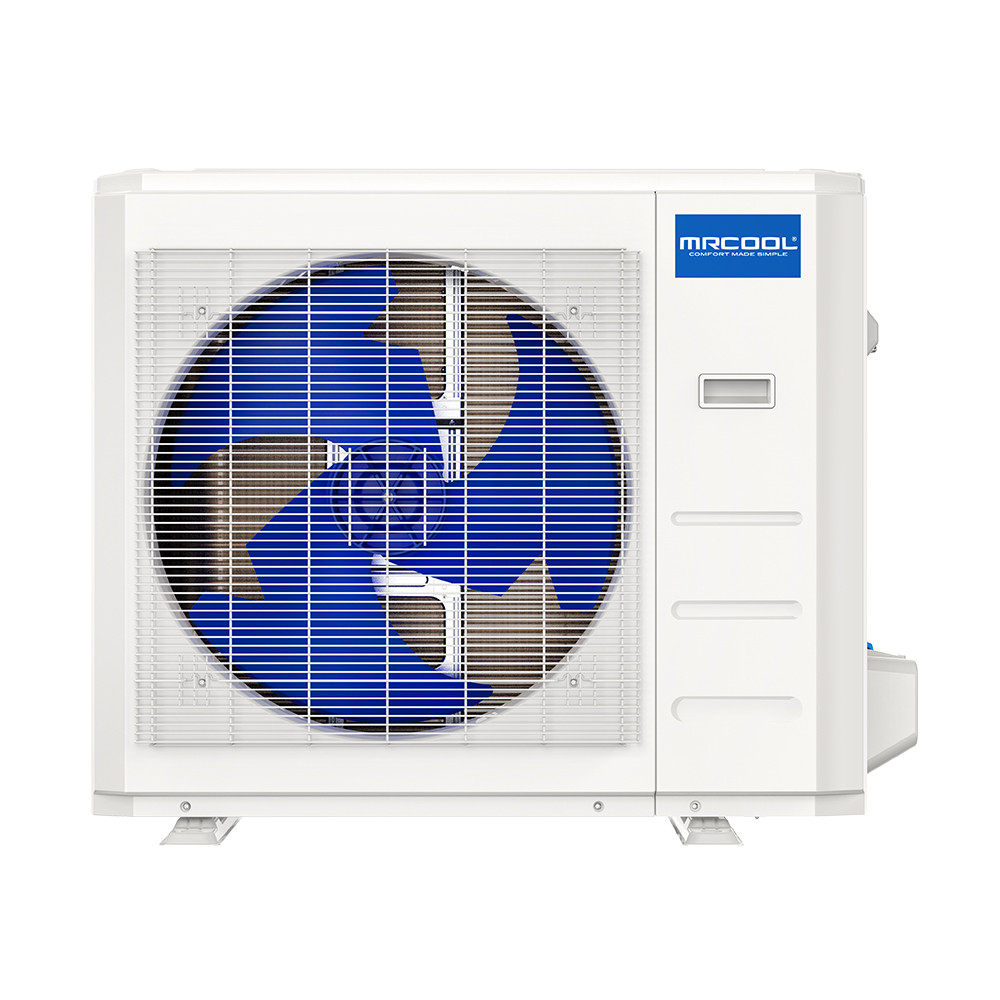
Server Room Cooling with MrCool
Server rooms are the beating heart of modern businesses. Every company with more than a handful of employees has a room (or at least a closet) full of servers, switches, UPS systems, and networking equipment — all generating significant heat 24 hours a day, 365 days a year.
Inadequate cooling is the #1 cause of premature server equipment failure. If your server room temperature exceeds 80°F consistently, you're shortening the life of your hardware and risking catastrophic downtime.
MrCool mini splits offer a cost-effective, reliable solution for server room cooling. Here's how to size it, install it, and ensure your critical equipment stays cool.
Why Server Rooms Need Dedicated Cooling
The Heat Problem
A single server generates 1,000-3,000 BTU/hour of heat. A typical small business server room contains:
| Equipment | Quantity | Heat Output (BTU/hr each) | Total BTU/hr |
|---|---|---|---|
| Rack servers | 2-4 | 2,000-3,000 | 4,000-12,000 |
| Network switches | 2-4 | 500-1,000 | 1,000-4,000 |
| UPS systems | 1-2 | 1,000-2,000 | 1,000-4,000 |
| Storage arrays | 1-2 | 1,500-2,500 | 1,500-5,000 |
| Total | 7,500-25,000 |
That's the equivalent of running 2-7 space heaters in a small room — continuously.
Why Building HVAC Isn't Enough
Your building's central HVAC system is designed for human comfort during business hours. Server rooms need something fundamentally different:
- 24/7 operation: Servers don't take nights and weekends off. Building HVAC often does.
- Cooling year-round: Even in winter, server rooms need cooling because the equipment generates constant heat
- Precise temperature control: Servers need 64-75°F consistently, not the wider swings acceptable for offices
- Humidity management: Too dry causes static discharge; too humid causes condensation. Ideal is 40-60% relative humidity.
- Redundancy: If the cooling fails at 2 AM on a Sunday, you need to know about it
Sizing a Mini Split for Your Server Room
Step 1: Calculate Total Heat Load
Add up the heat output of all equipment in the room. Check manufacturer spec sheets for exact numbers, or use these estimates:
Quick calculation method:
- Add up the total wattage of all equipment on the UPS
- Multiply by 3.41 to convert watts to BTU/hr
- Add 20% for safety margin
Example: Server room draws 3,000W total → 3,000 × 3.41 = 10,230 BTU/hr → + 20% = 12,276 BTU/hr
Step 2: Account for the Room Itself
Additional heat sources in the room:
- Lighting: ~1,000 BTU/hr for typical overhead lights
- Building heat gain: Varies by wall construction, sun exposure, and adjacent spaces — add 10-20%
- Personnel: If people work in the server room, add 400 BTU/hr per person
Step 3: Select the Right MrCool System
| Server Room Heat Load | Recommended System | Link |
|---|---|---|
| Up to 9,000 BTU/hr | 9K BTU | Shop |
| 9,000-12,000 BTU/hr | 12K BTU | Shop |
| 12,000-18,000 BTU/hr | 18K BTU | Shop |
| 18,000-24,000 BTU/hr | 24K BTU | Shop |
| 24,000-36,000 BTU/hr | 36K BTU | Shop |
| 36,000+ BTU/hr | Multiple units | Contact HVACZAR |
Important: For server rooms, always size UP. An oversized system cycles less often and handles unexpected heat load increases. In standard residential applications we advise against oversizing, but server rooms are the exception.
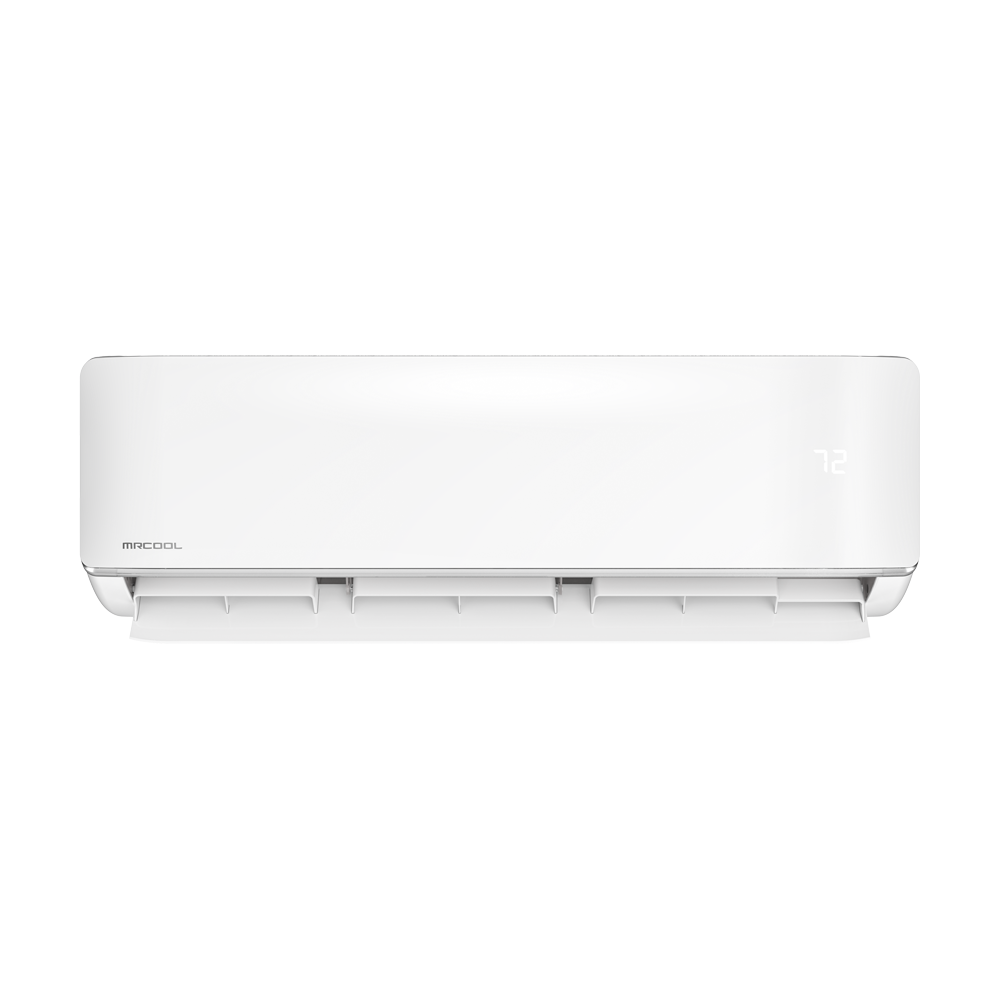
Installation Best Practices for Server Rooms
Placement of the Indoor Unit
- Mount above the server racks or on the wall opposite the rack fronts
- Direct airflow toward rack intakes — most servers pull air from the front and exhaust from the back
- Avoid mounting directly above servers where condensation drips could damage equipment (though modern units rarely drip, it's a safety precaution)
- Ensure the drain line has a clear path — condensate must drain reliably 24/7
Hot Aisle / Cold Aisle
If you have multiple racks, arrange them in a hot aisle/cold aisle configuration:
- Cold aisle: Rack fronts face each other. The mini split delivers cold air here.
- Hot aisle: Rack backs face each other. Hot exhaust collects here and rises to the return air intake.
This arrangement maximizes cooling efficiency by preventing hot exhaust air from mixing with cold intake air.
Outdoor Unit Placement
- Protect from direct sun if possible — a shade structure or north-facing wall reduces compressor workload
- Ensure adequate clearance — 24+ inches on all sides
- Consider noise — the outdoor unit runs 24/7, so avoid placement near bedroom windows or quiet areas
- Elevated mounting in areas with snow or flooding risk
Redundancy: Protecting Against Cooling Failure
For mission-critical server rooms, a single point of failure in cooling is unacceptable. Here are redundancy strategies:
Option 1: N+1 Redundancy (Recommended)
Install two mini splits, each sized to handle 60-75% of the total heat load. Both run simultaneously at partial capacity. If one fails, the other ramps up to handle the full load.
Example: 18,000 BTU server room → Install two 12K BTU systems. Both run at ~75% capacity normally. If one fails, the remaining unit runs at 100% to maintain temperature.
Cost: Roughly 1.5x a single system. Worth it for any business where downtime costs exceed a few hundred dollars.
Option 2: Primary + Alert System
Install one properly-sized mini split as primary cooling, plus:
- Temperature monitoring sensor with WiFi alerts (available for $30-$50)
- Alert thresholds: Notify at 78°F (warning) and 82°F (critical)
- Emergency plan: Portable AC unit stored nearby, or the ability to open doors to adjacent cooled spaces
- Remote monitoring: Use MrCool's WiFi features to check system status from your phone
Option 3: Mini Split + Portable AC Backup
Keep a commercial portable AC unit ($500-$1,000) in a nearby closet as emergency backup. Not ideal for long-term use, but it can keep servers running during the hours or days needed to repair or replace the primary system.
Temperature and Humidity Settings
Recommended Settings
- Temperature setpoint: 68-72°F
- Operating range: Never let the room exceed 80°F
- Humidity target: 40-60% relative humidity
- Fan mode: Continuous (don't set to auto — you want constant air circulation)
Using Dry Mode
MrCool's dry mode helps manage humidity without overcooling. In humid climates, alternate between cooling mode and dry mode to maintain both temperature and humidity targets. In most server rooms, cooling mode alone handles both because the coil naturally dehumidifies as it cools.
Monitoring and Alerts
MrCool WiFi Features for Server Rooms
- Remote temperature monitoring through the MrCool app
- Operating status checks — verify the system is running from anywhere
- Mode and temperature adjustments without entering the server room
- Usage data for tracking energy consumption
Add-On Monitoring (Recommended)
For additional peace of mind, consider:
- Wireless temperature/humidity sensor with independent alerts (doesn't rely on the HVAC system's WiFi)
- Water leak sensor under the indoor unit's drain pan
- Power monitoring on the mini split's dedicated circuit
- Integration with existing IT monitoring systems (Nagios, PRTG, etc.)
Cost Analysis: Mini Split vs. Traditional Server Room Cooling
Traditional CRAC (Computer Room Air Conditioner)
| Factor | CRAC Unit | MrCool Mini Split |
|---|---|---|
| Equipment cost | $5,000-$15,000 | $1,200-$3,000 |
| Installation | $2,000-$5,000 | $0-$500 (DIY possible) |
| Annual energy | $3,000-$6,000 | $1,200-$2,400 |
| Annual maintenance | $1,000-$2,000 | $100-$200 |
| 5-Year TCO | $27,000-$55,000 | $7,700-$16,000 |
For small to medium server rooms (under 25,000 BTU heat load), mini splits offer comparable cooling performance at 50-70% lower total cost compared to traditional CRAC units.
When You Need a CRAC Instead
- Heat loads exceeding 60,000 BTU/hr
- Precision humidity control requirements (pharmaceutical, cleanroom)
- Raised floor / underfloor air distribution systems
- Enterprise data center environments
For everything else — small business server rooms, network closets, IT offices with dense equipment — a MrCool mini split is the practical and economical choice.
Emergency Procedures
If Your Server Room Cooling Fails
- Check the MrCool app for error codes or status
- Verify power to both indoor and outdoor units
- Check the air filter — a severely clogged filter can cause shutdown
- Open the server room door to adjacent cooled space as a temporary measure
- Deploy backup portable AC if available
- Reduce heat load by shutting down non-critical servers
- Contact HVAC service for repair
Prevention Checklist
- Monthly filter cleaning
- Quarterly coil inspection
- Temperature monitoring with alerts active
- Backup cooling plan documented
- Emergency contact list posted in server room
Keep Your Servers Cool
Don't wait for a heat-related server failure to invest in proper cooling. A MrCool mini split provides reliable, efficient, 24/7 cooling for a fraction of traditional server room HVAC costs.
Recommended for Server Rooms
- 12K BTU — Small server closets
- 18K BTU — Standard server rooms
- 24K BTU — Large server rooms
- 36K BTU — Dense equipment rooms
Use promo code SUMMER100 at HVACZAR for $100 off.
Share this article
Speccing a commercial job?
Volume pricing and dealer support on multi-unit and light-commercial orders.
More on this topic: Rooms & Applications
Keep Reading
Related Articles
Garage Mini Split Install: Heat and Cool Your Workshop
Turn your garage or workshop into a year-round usable space with a MrCool DIY mini split. Sizing, insulation tips, placement, and a full install walkthrough.
MrCool Advantage Series: The Pro-Install System
The MrCool Advantage Series is built for professional HVAC installers. Standard flare connections, multiple air handler styles, and contractor-grade reliability.
MrCool ProDirect & Universal: Commercial-Grade Systems
MrCool ProDirect and Universal series are built for commercial and light commercial applications. Higher capacity, commercial-grade components, and pro-only installation.