
MrCool DIY 5th Gen vs 4th Gen: What Changed
A detailed comparison of MrCool's DIY 5th Generation and 4th Generation mini splits — what improved, what stayed the same, and whether it's worth upgrading.
Admin User
Author
The Short Answer
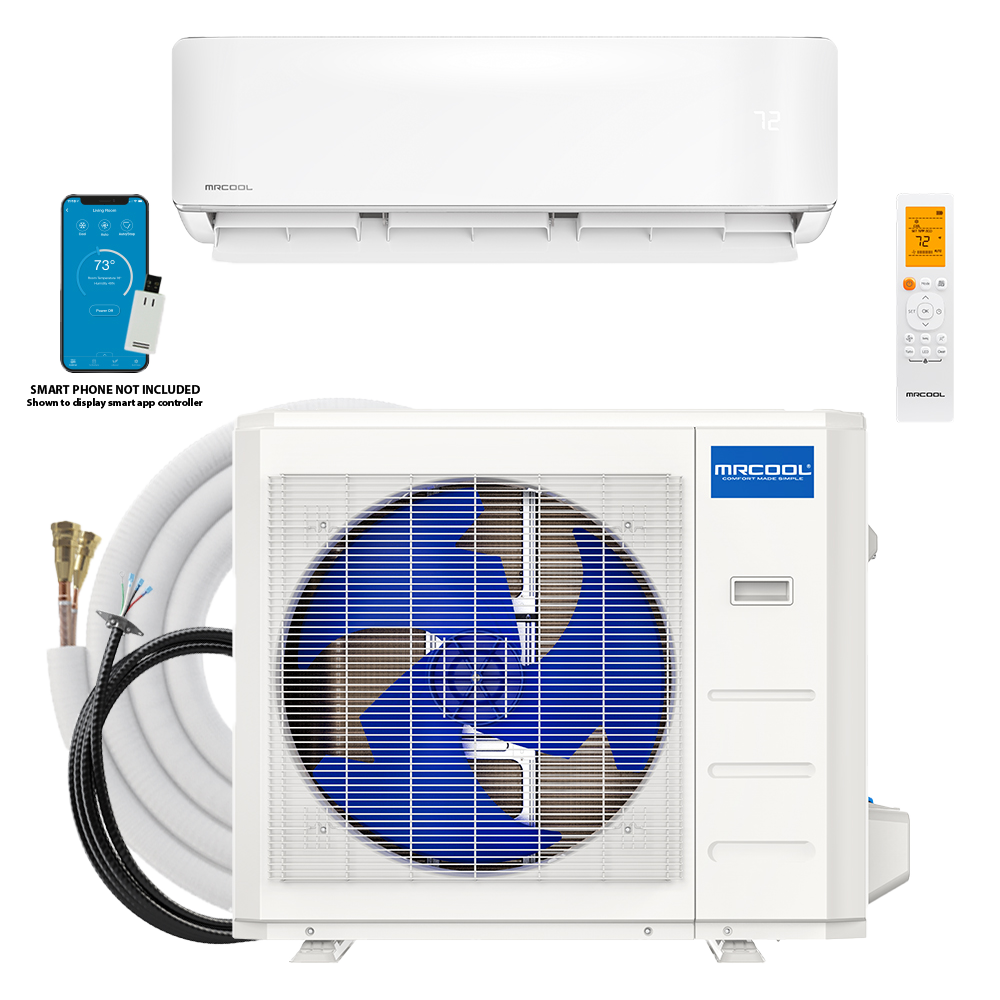
The 5th Generation MrCool DIY mini split is a meaningful upgrade over the 4th Gen in almost every measurable way — better efficiency ratings, lower noise levels, improved WiFi connectivity, and a sleeker indoor unit design. If you're buying new, there's no reason to pick the 4th Gen. If you already own a 4th Gen, whether an upgrade makes sense depends on your situation.
Let's break it all down.
Efficiency: The Numbers That Hit Your Power Bill
This is where the 5th Gen pulls ahead most dramatically.
| Spec | 4th Gen (12K) | 5th Gen (12K) |
|---|---|---|
| SEER2 | 22 | 24.6 |
| HSPF2 | 9.5 | 11.0 |
| EER2 | 12.0 | 13.5 |
What does that mean in real terms? SEER2 (Seasonal Energy Efficiency Ratio) is the key metric for cooling efficiency. Going from 22 to 24.6 translates to roughly 10-12% lower electricity costs during cooling season. In a state like Texas or Florida where your mini split runs 8 months a year, that's $80-$150 in annual savings on a single zone.
HSPF2 measures heating efficiency, and the jump from 9.5 to 11.0 is even more significant proportionally. If you're using your mini split as a primary heat source in a moderate climate, this upgrade pays for itself faster than you'd expect.
The 5th Gen achieves these gains through an updated inverter compressor and redesigned heat exchangers — more surface area, better refrigerant flow, same physical footprint.
Noise Levels: Genuinely Quieter
The 4th Gen was already quiet by mini split standards — about 35 dB on the indoor unit at low fan speed. The 5th Gen drops that to 32 dB on the 9K and 12K models, which is functionally silent. For reference, 32 dB is quieter than a whisper from across the room.
The outdoor condenser also got a noise reduction — from around 56 dB to 52 dB. Your neighbors will appreciate that.
Why It Matters
If you're installing in a bedroom or home office — which many people do — every decibel counts. The difference between 35 and 32 dB might not sound like much on paper, but human hearing perceives it as a noticeable reduction. Zomg the Handyman specifically recommends the 5th Gen for bedroom installations because of this improvement.
WiFi and Smart Home Integration
The 4th Gen required a separate WiFi adapter dongle (about $60) to enable smart features. The 5th Gen has WiFi built in — no dongle, no extra cost.
Both generations work with the MrCool SmartHVAC app for iOS and Android, giving you:
- Remote temperature control
- Scheduling and timers
- Energy usage monitoring
- Multiple unit management from one app
The 5th Gen adds native compatibility with Google Home, Amazon Alexa, and Apple HomeKit (via the app bridge). Voice control works out of the box: "Hey Google, set the bedroom to 72 degrees."
Design and Build Quality
The 5th Gen indoor air handler is noticeably sleeker. MrCool reduced the depth of the unit by about an inch and softened the lines — it looks more like a modern European design than the somewhat boxy 4th Gen.
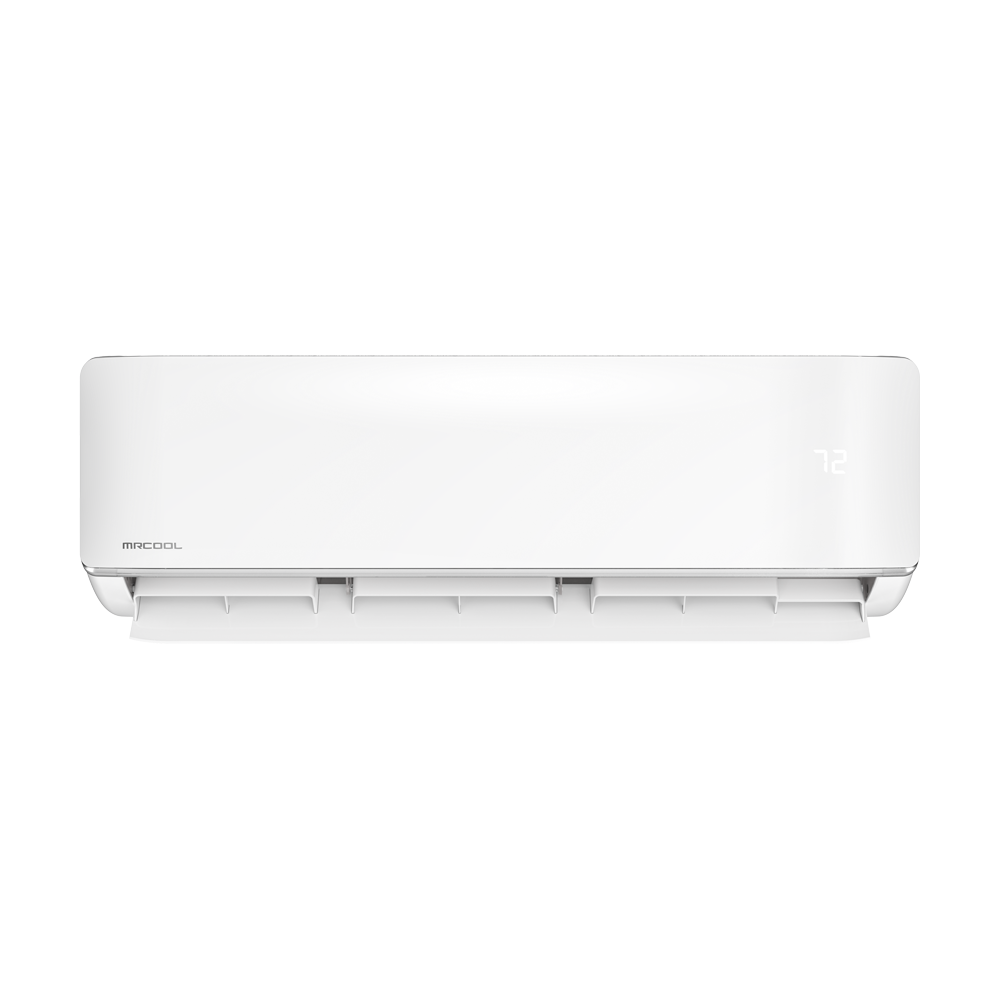
The louver mechanism also got an upgrade. The 4th Gen occasionally had issues with louvers getting stuck or making a faint clicking sound during oscillation. The 5th Gen uses a new motorized system that's smoother and more reliable.
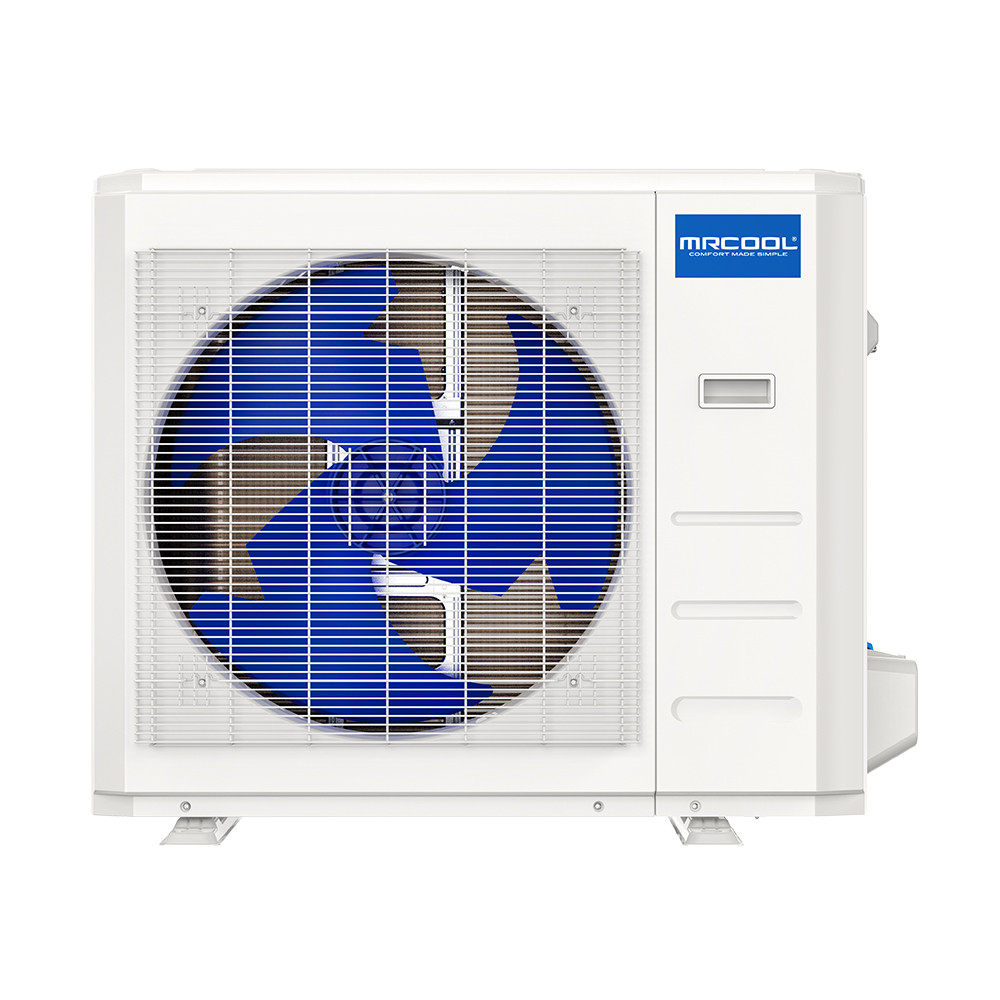
The outdoor condenser looks similar between generations, but the 5th Gen unit has improved corrosion-resistant coating on the coils — marketed as a "Gold Fin" coating — which extends the life of the unit in coastal or high-humidity environments.
Installation: Same DIY Simplicity
Here's the good news if you loved the 4th Gen install process: nothing changed. The 5th Gen uses the same Quick Connect line set system with pre-charged, pre-flared connections. No vacuum pump, no manifold gauges, no HVAC license.
The mounting bracket is compatible between generations, so if you're replacing a 4th Gen indoor unit, you can often reuse the existing bracket.
Line set lengths and sizes remain the same across comparable BTU ratings. The electrical requirements are also unchanged:
Operating Temperature Range
The 5th Gen expanded the heating range. The 4th Gen could heat down to about 5°F (-15°C). The 5th Gen pushes that to -13°F (-25°C) on select models. That's a massive improvement for homeowners in northern climates who want to use a mini split as a primary heat source.
For cooling, both generations operate up to 122°F (50°C), which covers even the hottest desert climates.
Warranty
Both generations carry MrCool's standard warranty:
- 7 years on compressor
- 5 years on parts
No change here, though the improved build quality of the 5th Gen should mean fewer warranty claims in practice.
Should You Upgrade from a 4th Gen?
If your 4th Gen is working fine and you're happy with it, there's no urgent reason to swap it out. The efficiency gains are real but modest — it would take 5-8 years to recoup the cost of a new unit purely through energy savings.
If your 4th Gen is aging or having issues, absolutely go with the 5th Gen as a replacement. The better efficiency, lower noise, built-in WiFi, and expanded cold-weather heating range make it the clear choice.
If you're buying your first mini split, there's zero reason to hunt for leftover 4th Gen stock. The MrCool DIY 5th Gen Bundles are the same price or very close, and you get a better product across the board.
The Bottom Line
The 5th Gen isn't a revolutionary redesign — it's a refinement of an already excellent product. MrCool took everything people loved about the 4th Gen DIY line and made it measurably better in the areas that matter most: efficiency, noise, and smart connectivity.
If you're ready to buy, check out the full lineup of MrCool DIY 5th Gen Bundles. Use code SUMMER100 to save $100 at checkout.
Share this article
Get a system built for your exact install
Our configurator picks the right line-set lengths and accessories for your run, so nothing is missing on install day.
More on this topic: Comparisons
Keep Reading
Related Articles
How to Install a MrCool DIY Mini Split in 4 Hours
A step-by-step walkthrough of a complete MrCool DIY 5th Gen mini split installation — from unboxing to cold air — in under four hours with no HVAC license required.
First-Time Mini Split Install? Everything You Need to Know
Never installed HVAC before? This beginner-friendly guide covers everything from picking the right system to flipping the switch on your first MrCool mini split.
How Zomg the Handyman Installs MrCool Mini Splits
Pro tips and techniques from Zomg the Handyman — the approach, the tools, and the workflow that make every MrCool DIY install smooth and professional-looking.